Writing /
Making wallpapers
6 min read
I've been making wallpapers in Blender for myself, and I've now built a small shop and a free Mac app to browse them and shuffle my favourites.
I’ve just released some wallpapers, and I’ve got a backlog of explorations I’ll release soon. Over the past couple of weeks I’ve been inspired to make more of them and build a small store.
I’ve been off Twitter for four or five years and haven’t been on socials much. I’m starting to get back into it a little, and I thought it was time to release some of the things I’d been working on in the background but hadn’t shared.
I think I started making wallpapers around 2021, when I got my MacBook Pro. They were for my own use. Even with an M1 Max, rendering one took ages, so making enough variations to put together a pack was difficult. I’ve just bought a Mac Studio and have been putting it through its paces.
Here’s an overview of what I’m releasing today.

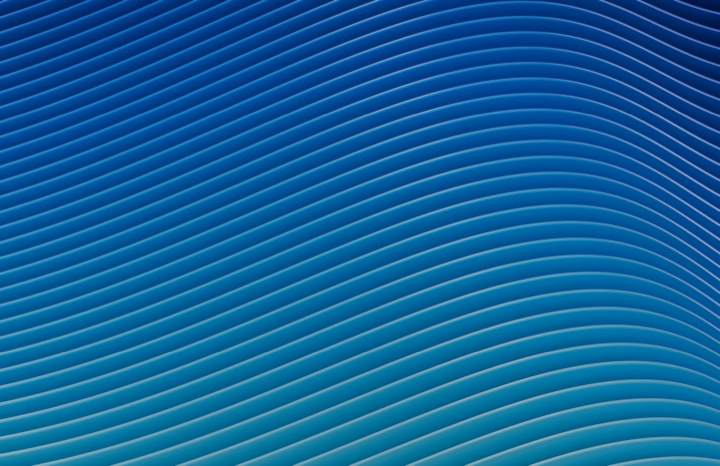 Lenticular 7 colourways · Time of day
- 35 colourways across 5 packs, each in light and dark
 8 moments through the day Lenticular, Drift and Camber follow the sun on a Mac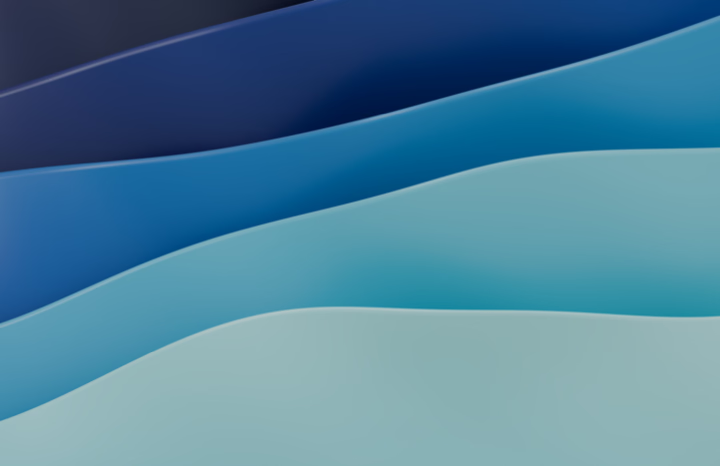
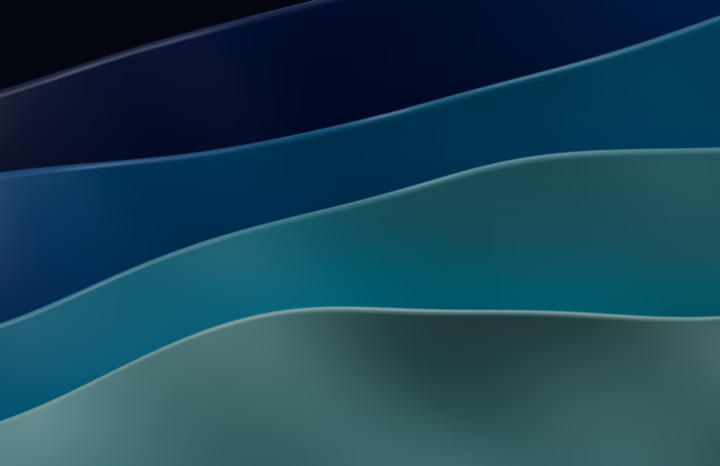 Drift 6 colourways · Time of day
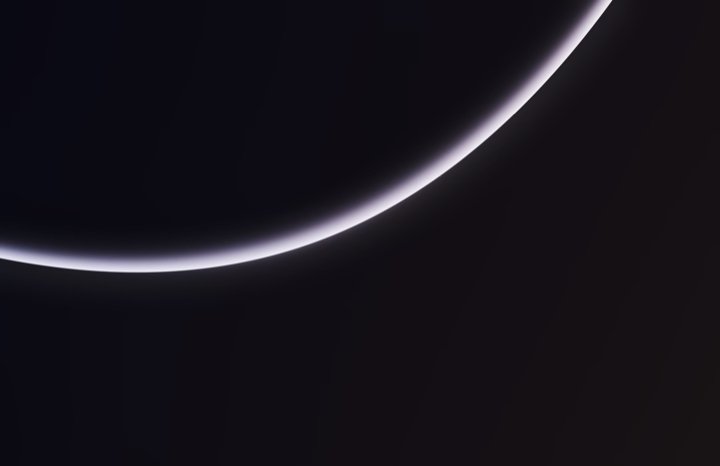 Camber 6 colourways · Time of day
- Free Tidemark and Parade, 16 colourways between them

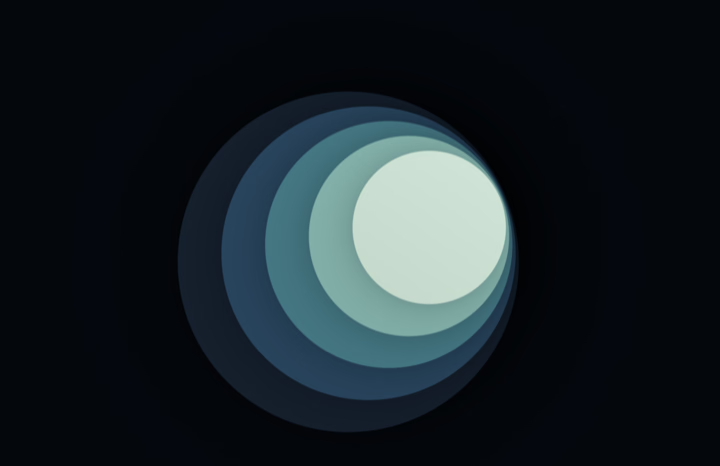 Tidemark 8 colourways · Light and dark · Free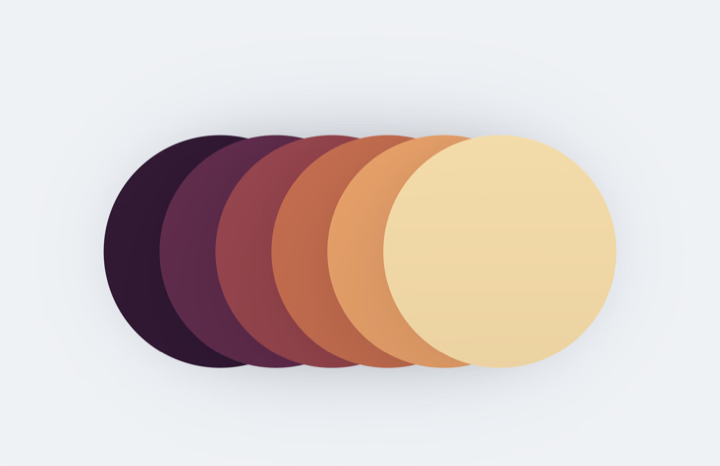
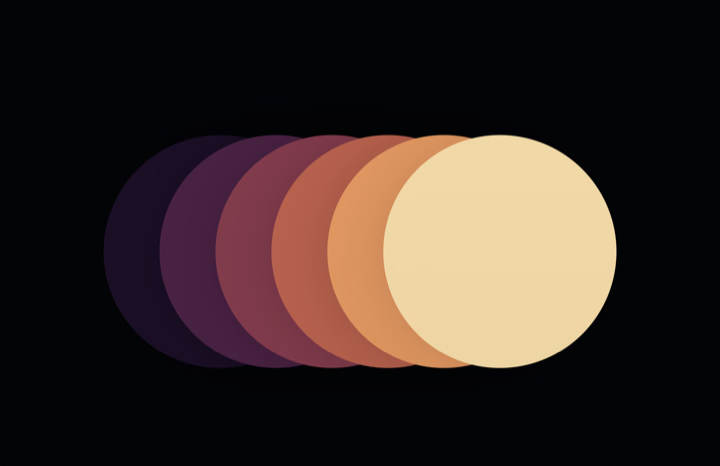 Parade 8 colourways · Light and dark · Free
I love Drift, Lenticular and Camber.
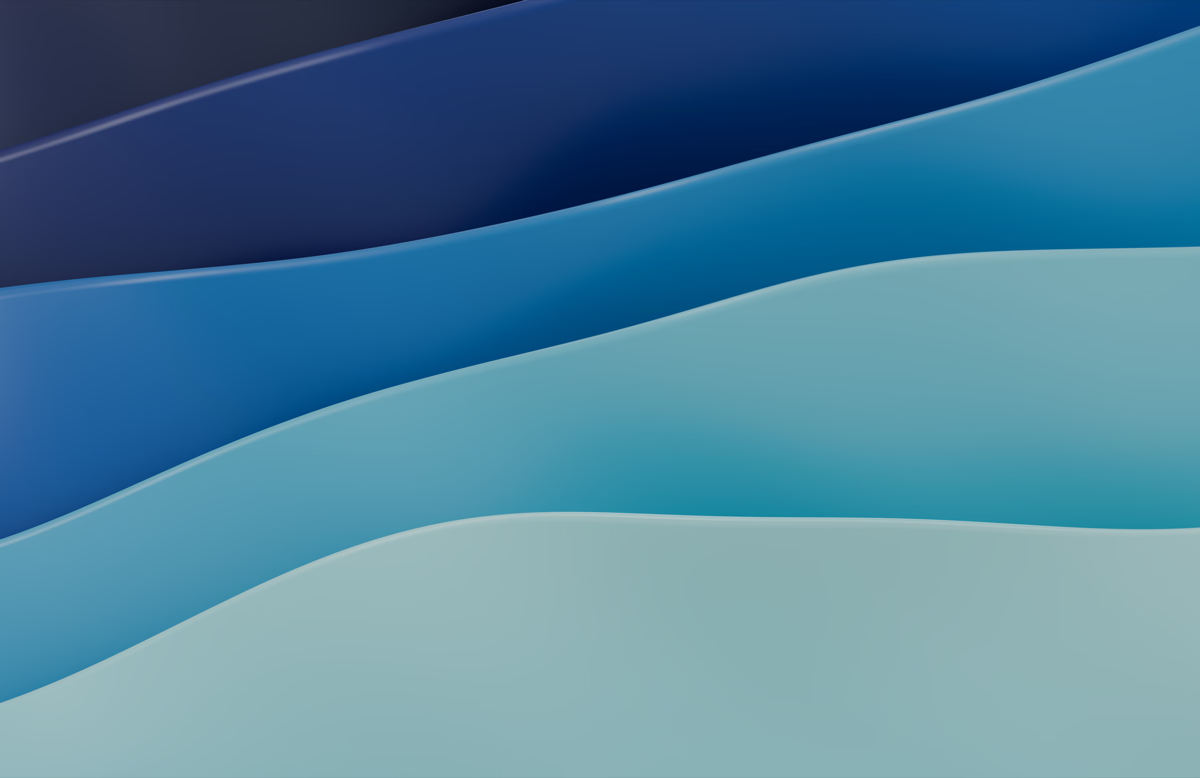
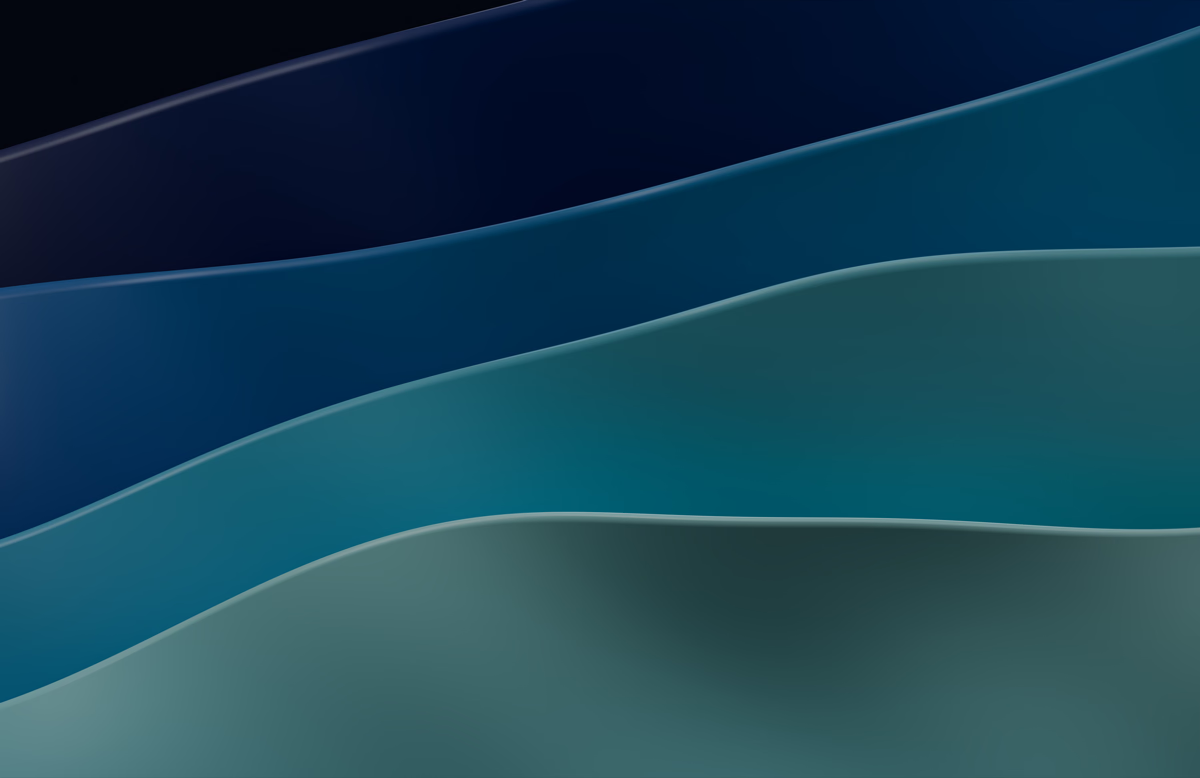
When I was younger, I wanted to be a game developer. I used ZBrush and Blender, and made mods for old games I loved, mostly Fallout. At the time, I wasn’t really thinking about doing anything else. Then I went into marketing instead, moving between SEO and paid marketing, conversion rate optimisation, web design and eventually product building. I did some small development projects along the way, and particularly loved frontend work.
I never really stopped doing bits of 3D. My old marketing site had a 3D model of me. I used a pack for it, but building the site a few years back made me crack out my Blender skills again. It comes and goes how much I do. I’d love to get back into ZBrush and do some character art, but for now I’m enjoying making wallpapers.

I’ve always been inspired by other people’s work. I love the Apple aesthetic for wallpapers and often make things with a bit of that feel. But my inspiration board isn’t just other wallpapers. It has architecture, landscapes, nature and general shapes I like, which give me ideas for things to make.
Originally I’d just go and make something. These days I often start with a mood board based on some references to give me a few ideas. Then I move into Blender and model the mesh, before bringing it into my lighting studio.
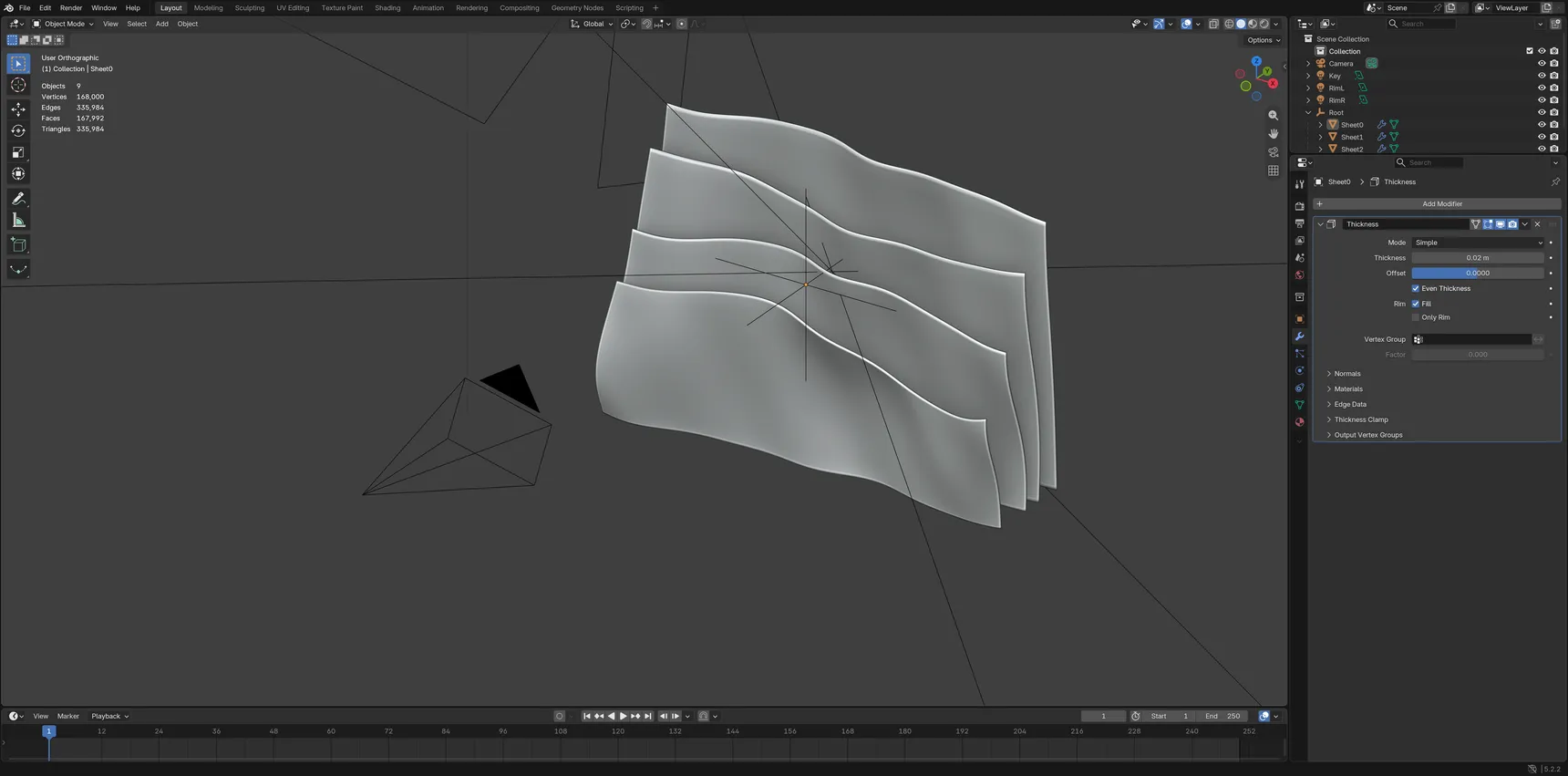
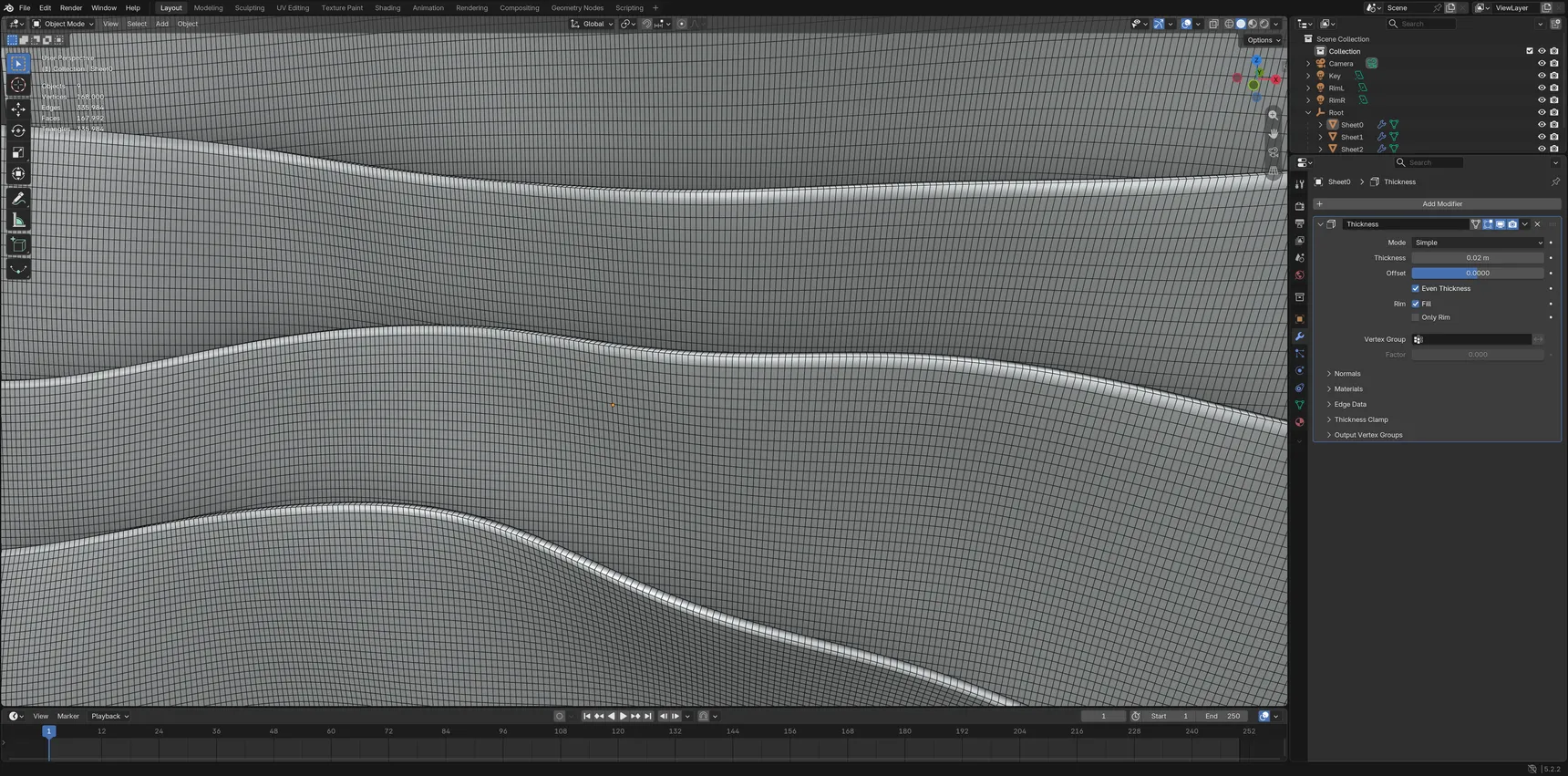
I’ve built my own studio to manage the wallpapers. It gives me easy ways to tweak the output and build out palettes and packs. I’ve collected loads of materials over time, and the studio lets me adjust those alongside the lighting, camera angles and rig. As I add more to it, I get more controls for the different materials.
I can save presets, tweak their options and try different lighting setups.
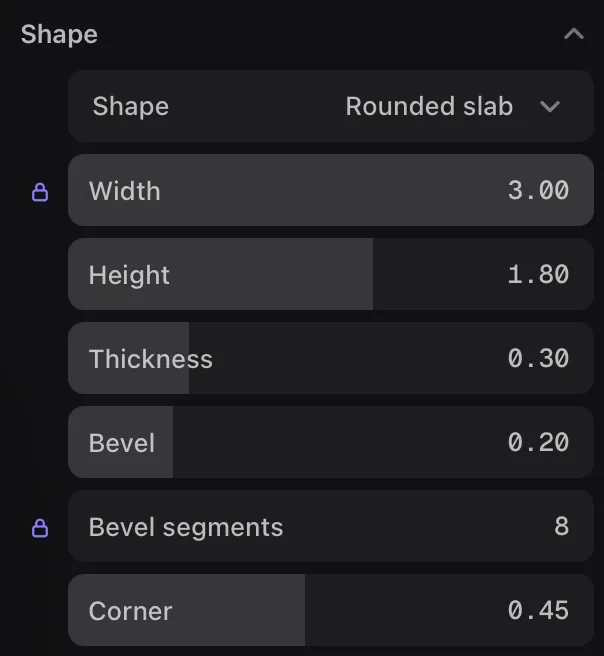
A large pack now takes about four hours to render on the Mac Studio. I can leave it running overnight and render out a load of different ones.
For these packs, I left it running over a weekend to render the different resolutions and device types. I wanted the wallpapers cropped nicely for each device, too.
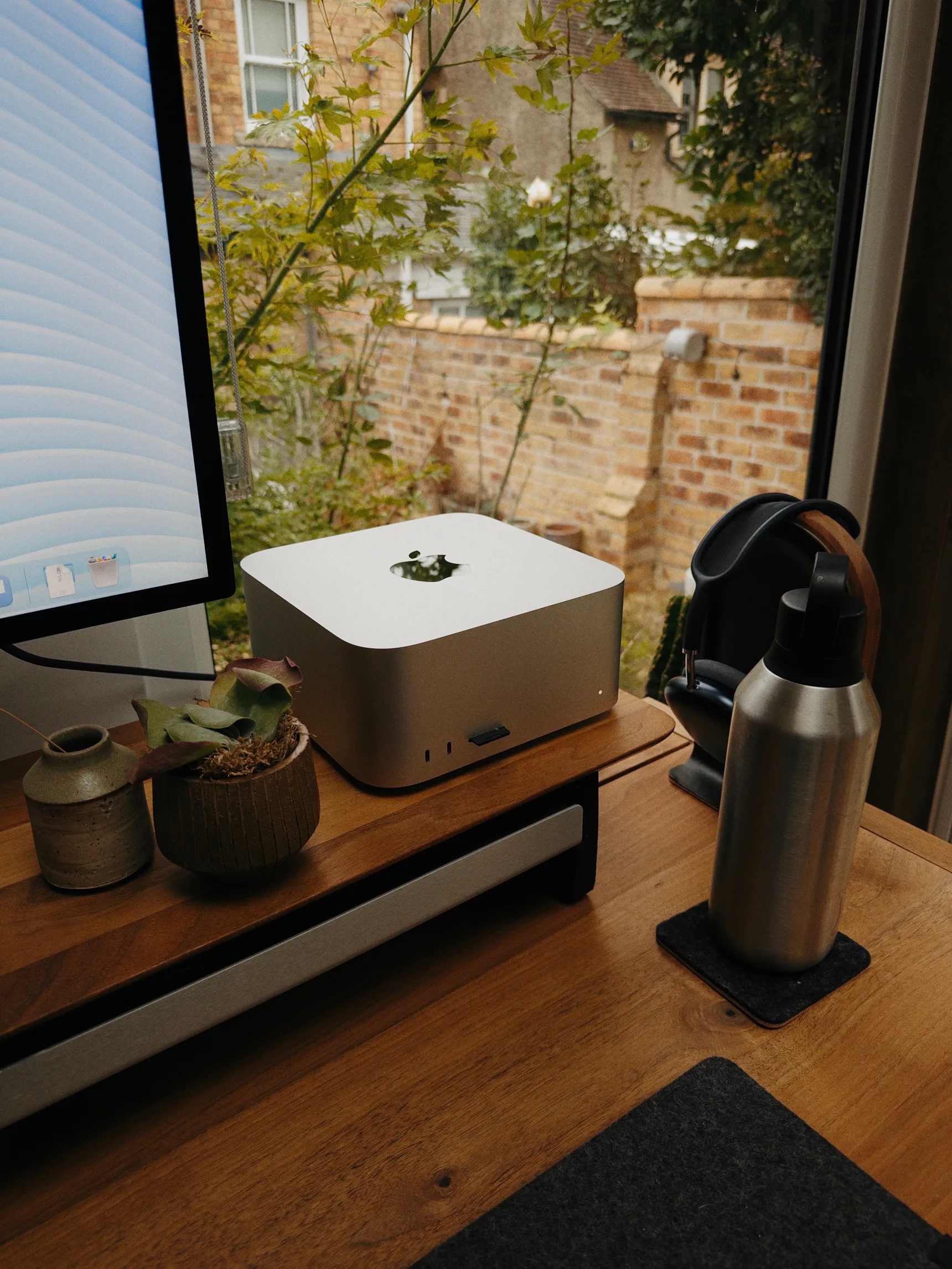
I’ve added support for foldable phones as well. Drift, Camber and Lenticular also have time-of-day versions on Mac.
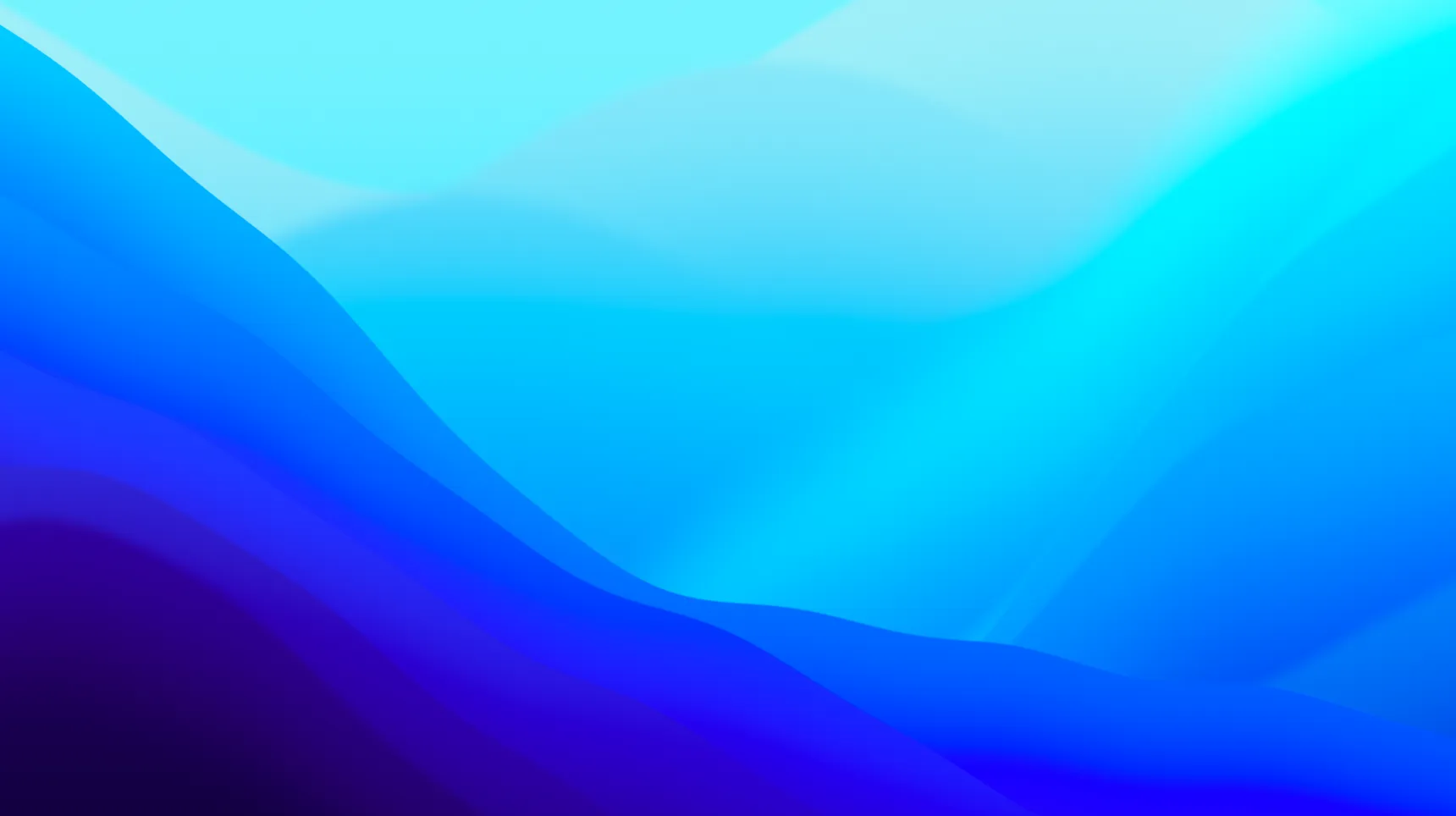
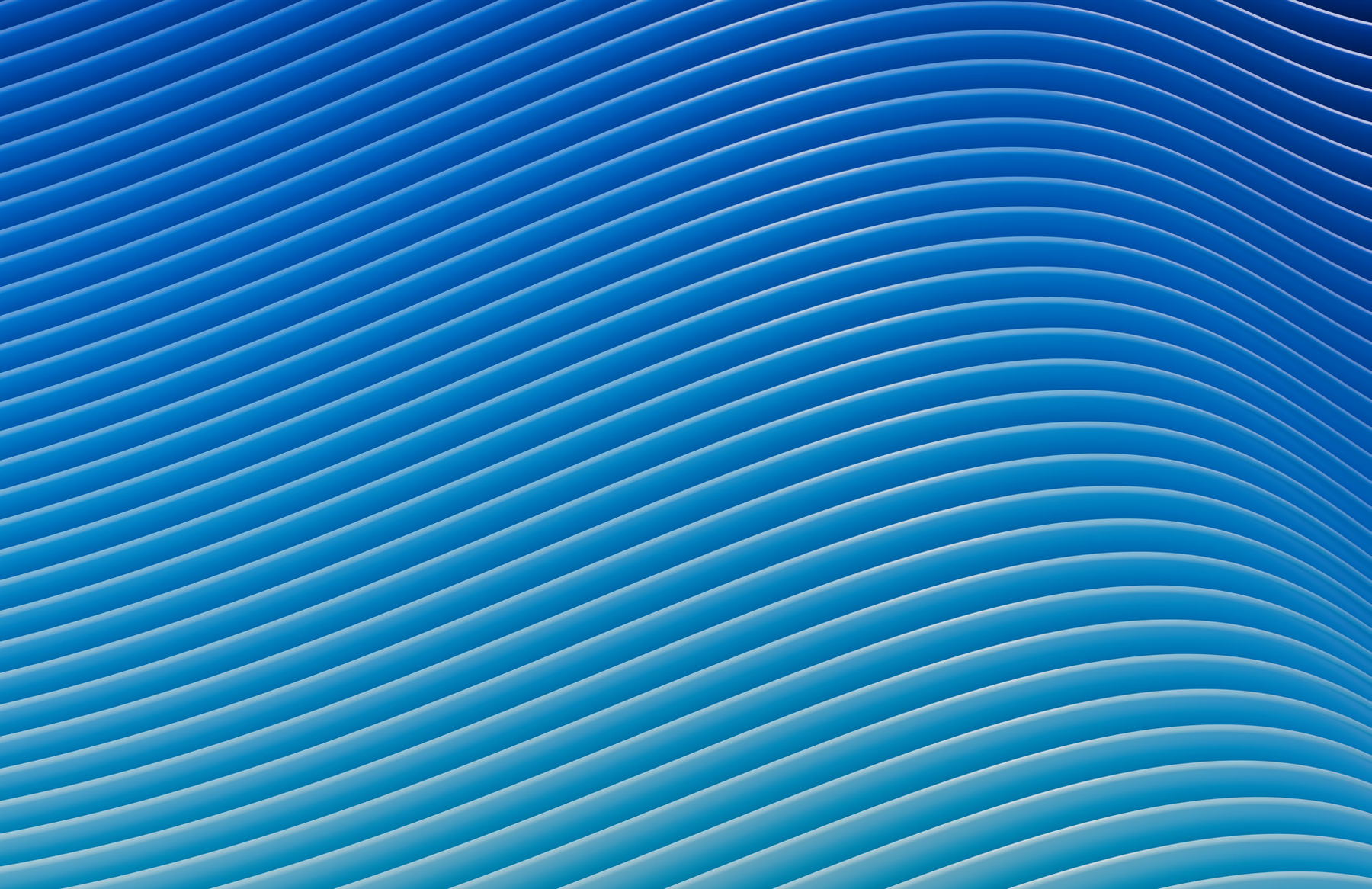
I enjoyed building the wallpaper site, too. I was going for something Apple might make if it started selling wallpapers. I feel like I achieved that.
Some of my favourite bits are the previews showing the wallpapers on different devices, and being able to rotate those devices. I also like the subtle animation on the wallpaper detail page, where the title moves and scales into the header.
The video couldn't load. Download it instead.
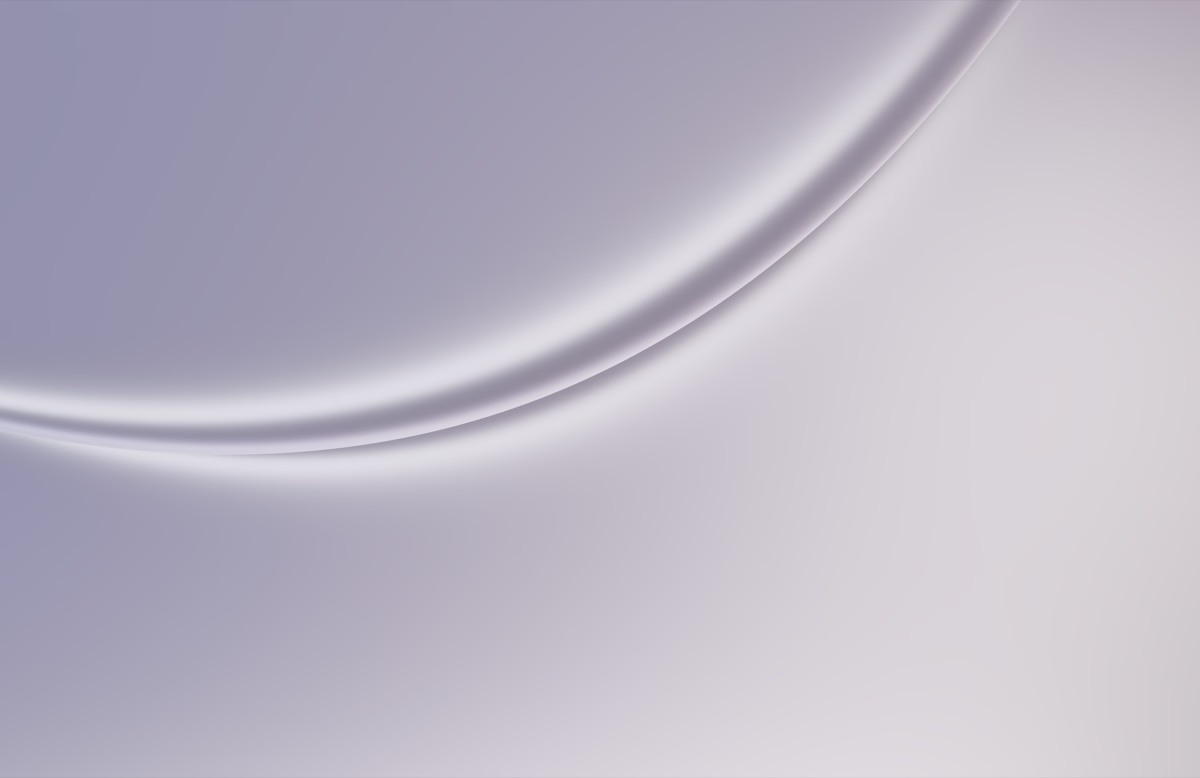
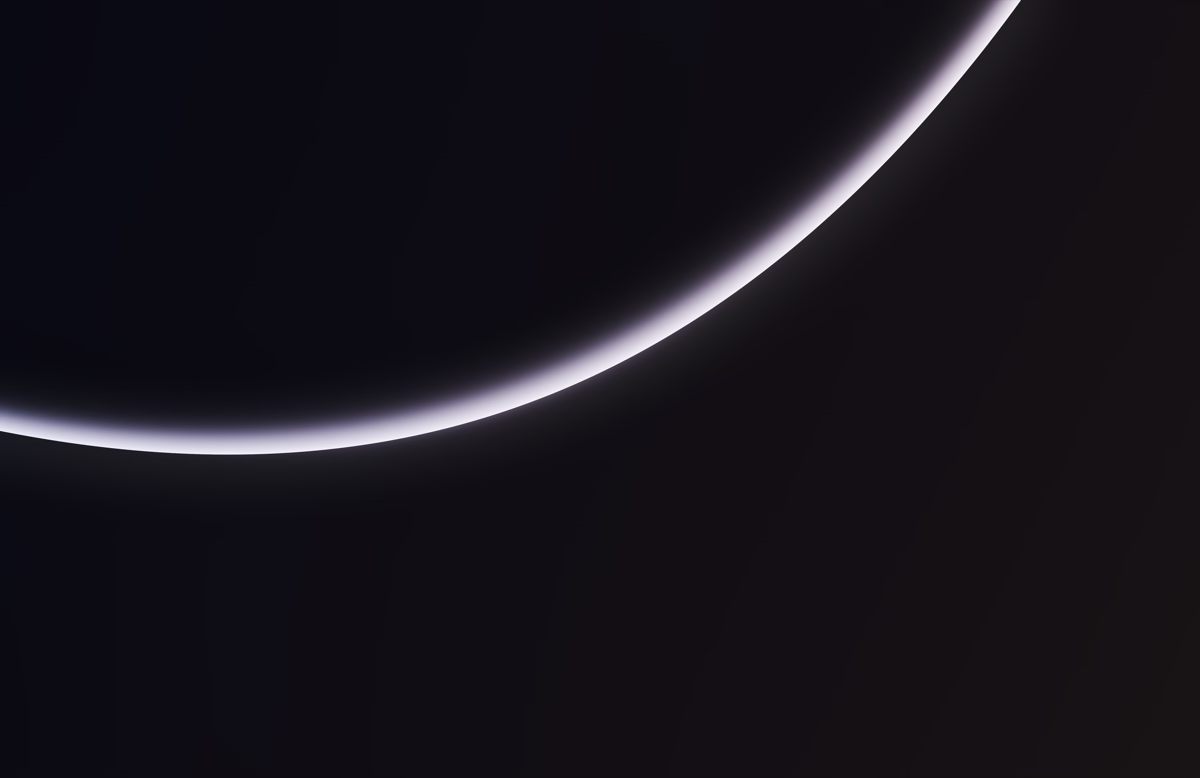
One place for my wallpapers
The Mac app gives you one place to browse the wallpapers, use the free ones and buy paid packs to add to your library. I wanted that for myself. Managing wallpapers in System Settings isn’t that great. The UI isn’t amazing.
I really like being able to swap a wallpaper quickly from the menu bar. You can move between colours, choose time-of-day or light and dark versions, and have them switch automatically. You can also pick out favourites from packs you’ve bought and shuffle between them every day or week.

I usually shuffle daily, so every day I get a different vibe.
You can see your connected displays in the app, including a Studio Display or an iPad in Sidecar, and choose what goes on each or set the same wallpaper on all of them. Keeping all my Spaces on the same wallpaper is something I’ve always found annoying, so I’ve added controls for that too.
With Focus filters, you can have one wallpaper when you’re in work mode and another when you’re in personal mode. There are controls in Shortcuts, too. You could make a shortcut that opens your writing app and sets a chosen wallpaper, or one that turns favourites shuffle back on when you’re finished for the day.
You could give Shuffle Wallpaper a keyboard shortcut for when you fancy a change. Another shortcut could favourite the wallpaper on your main display and turn shuffling off, so you can keep one you like for a bit longer.
I’m quite interested to see what people do with the shortcuts in particular.
The app is entirely free, and you can use it with just the free wallpapers. You can get it from the Mac app page.
I like giving things away, so there are free wallpapers now, and I’ll keep adding more to the app over time.