Writing /
Is this page good or not?
7 min read
On pages held back from tuning, Jev judged quality as well as a frontier model would, at less than a penny per page.
We’d released a local intent classifier in SERP Lens. Shortly afterwards, Jev came out from TypeSafe, and I started thinking about what else a cheap classifier could do for SEO.
The amount of intelligence for the cost was impressive, within its limitations. Jev was basically only good for making decisions: yes or no to different questions. It didn’t take images then. It does now, though we aren’t using image input at the moment.
Could it look at a page and judge its quality as well as an experienced SEO could?
That was the most interesting use case for us. Intent classification was already familiar. Judging whether a page was any good opened up something else. Google had given us questions to ask about content going back to the release of Panda.
I evaluated pages based on my own experience from consulting. Claude largely drove choosing the rubric questions. I had a session where I got it to find and evaluate questions from common SEO knowledge, Google’s helpful content guide and the quality rater guidelines. I also scoured the guidelines and other sources to build the rubric.
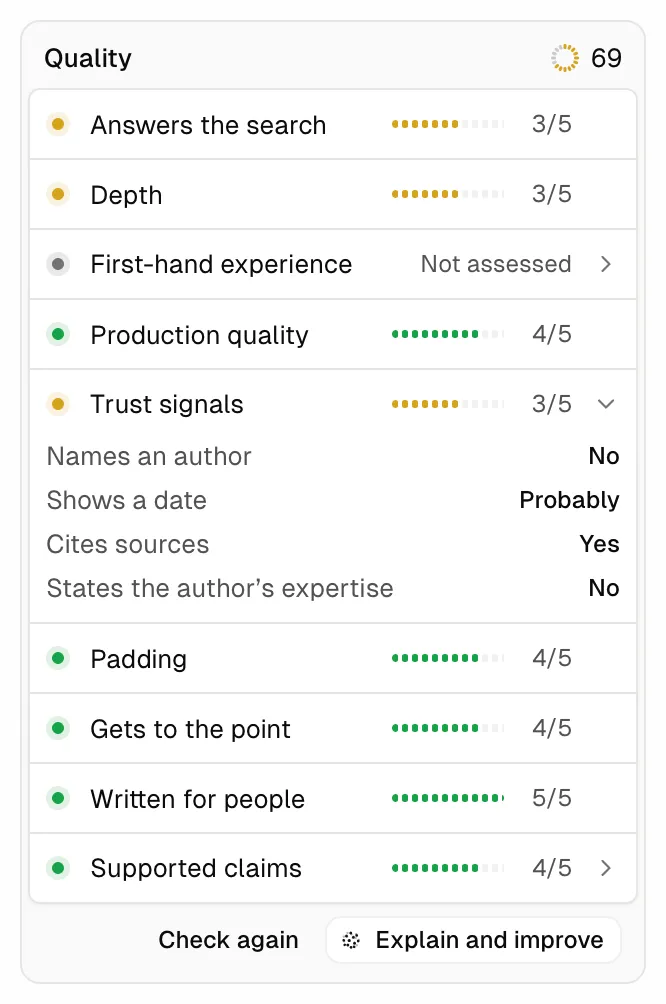
“Does the content provide a substantial, complete, or comprehensive description of the topic?” became our Depth row. “Is the content produced well, or does it appear sloppy or hastily produced?” became Production quality. Padding, Gets to the point, Written for people and Supported claims came from common SEO practice.
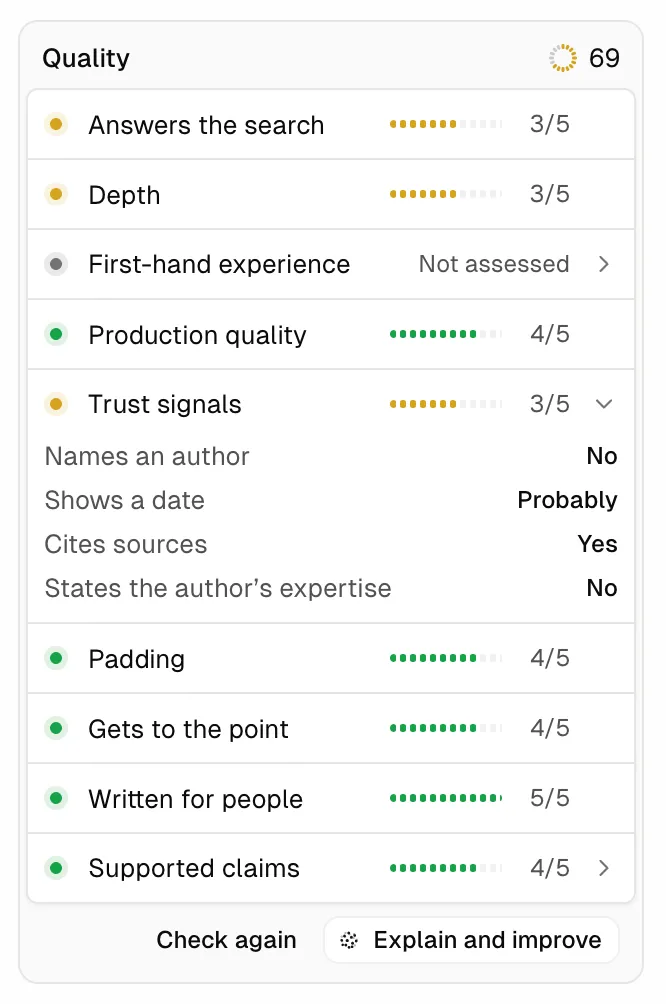
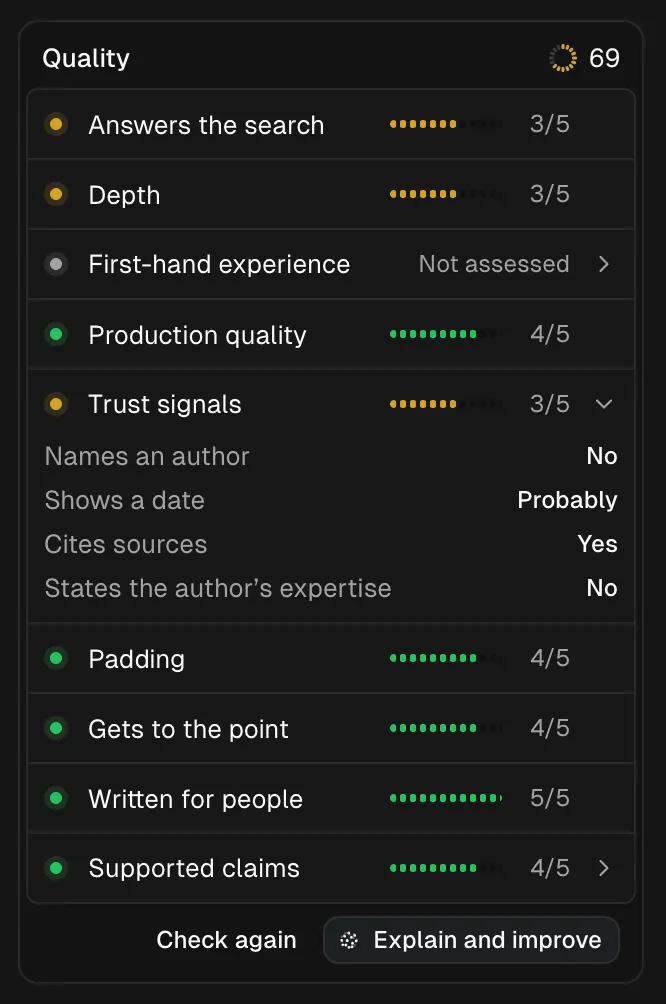
I made a training set from my own evaluations to see whether Jev could score pages as well as I could. Our first attempt didn’t work very well.
We’d made it expensive by making too many calls per page. It wasn’t very confident most of the time. It scored Wikipedia articles as low quality when they weren’t, and running it on the same page twice could produce different results.
It couldn’t do what we could do ourselves.
The right context
Around the same time, we read Anthropic’s post on Claude designing an eval and hill-climbing against it. We already knew the concept, but this gave us a way to try it: use the best frontier models alongside my own evaluations to see how good we could get Jev.
The page capture mattered. We had access to the whole browser, so we built our own way of stripping out things unrelated to the main content, such as sidebars, headers, footers and cookie banners. The quality rater guidelines separate main content from things that are just on the page, perhaps as part of a template. Google defines main content as “any part of the web page that directly helps the page achieve its purpose”. Its quality is one of the most critical factors in the rater guidelines.
Adjusting the questions and giving Jev the right context from our scraping turned out to be the best way to improve its output.
We’d been detecting page types but often asking the same questions whatever the page was. A good category page needs a different set of questions from a blog post or a forum. We changed what we asked Jev according to the type of page it was looking at.
- Article
“How quickly does the main content deliver the point its title promises?”
- Product page
“How quickly can a buyer see what the product is, its price and its availability?”
Homepages were particularly hard. They vary a lot, and something being missing doesn’t necessarily mean a homepage is poor quality. You can’t always judge one on its content in the same way.
Then we kept rewriting the rubric. We compared Jev’s answers with Astra, Fable and Opus 5.5, adjusting the questions until the frontier models gave us consistent evaluations. We also needed Jev to agree with them, and with what I thought when I evaluated the pages myself.
Jev had been skipping a lot of questions, often because the context and the decisions we were asking it to make weren’t clear enough. Overlapping rubric levels hid about half of all quality results. Before we moved to one request per page, most quality rows were hidden and no page got an overall score.
Jev’s agreement with the reviewers within one level improved from 64% to 82%. We moved to one request per page instead of many for different things, improved the page capture and made the levels and scoring clearer for each row so Jev knew more clearly what each meant.
For my own detailed evaluations, I scored held-out pages representing different types of pages across the web. I also had older inventories from work with clients: hundreds to thousands of pages scored out of 10 for how much work they needed. Those weren’t broken down into the detail we use in the quality panel, but they helped inform our 0 to 100 score and gave us something to compare it with.
On those pages, the reviewers were me and the agents: Astra, Fable and Opus 5.5. Jev agreed with us as much as we all agreed with each other, for less than a penny per page.
Stay at the wheel
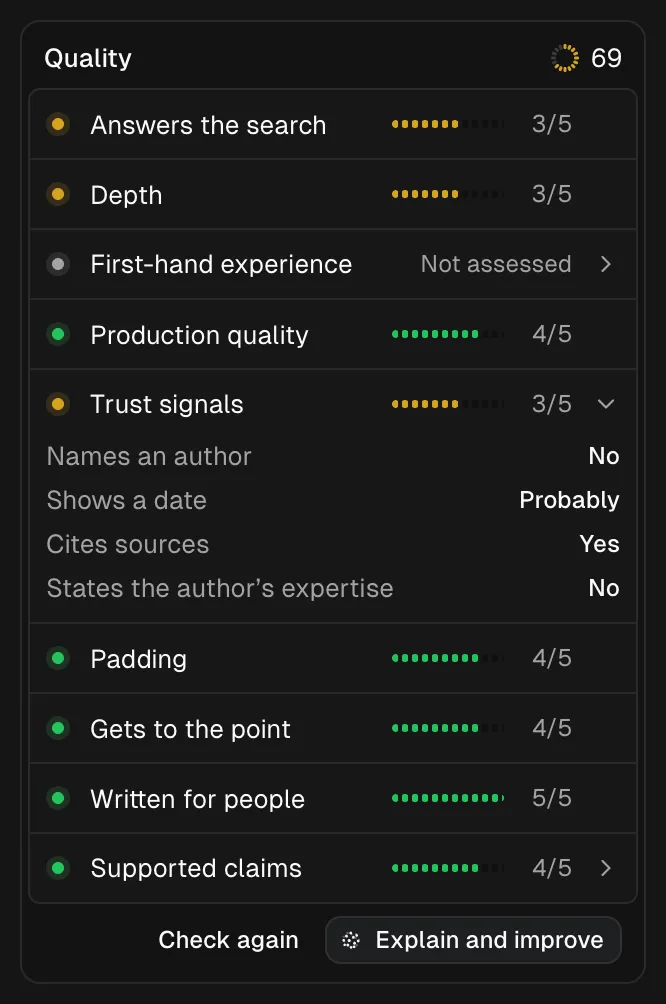
In SERP Lens, this becomes an escalating workflow. Start with Jev as a cheap check: what’s the quality of this page, and is there room for improvement?
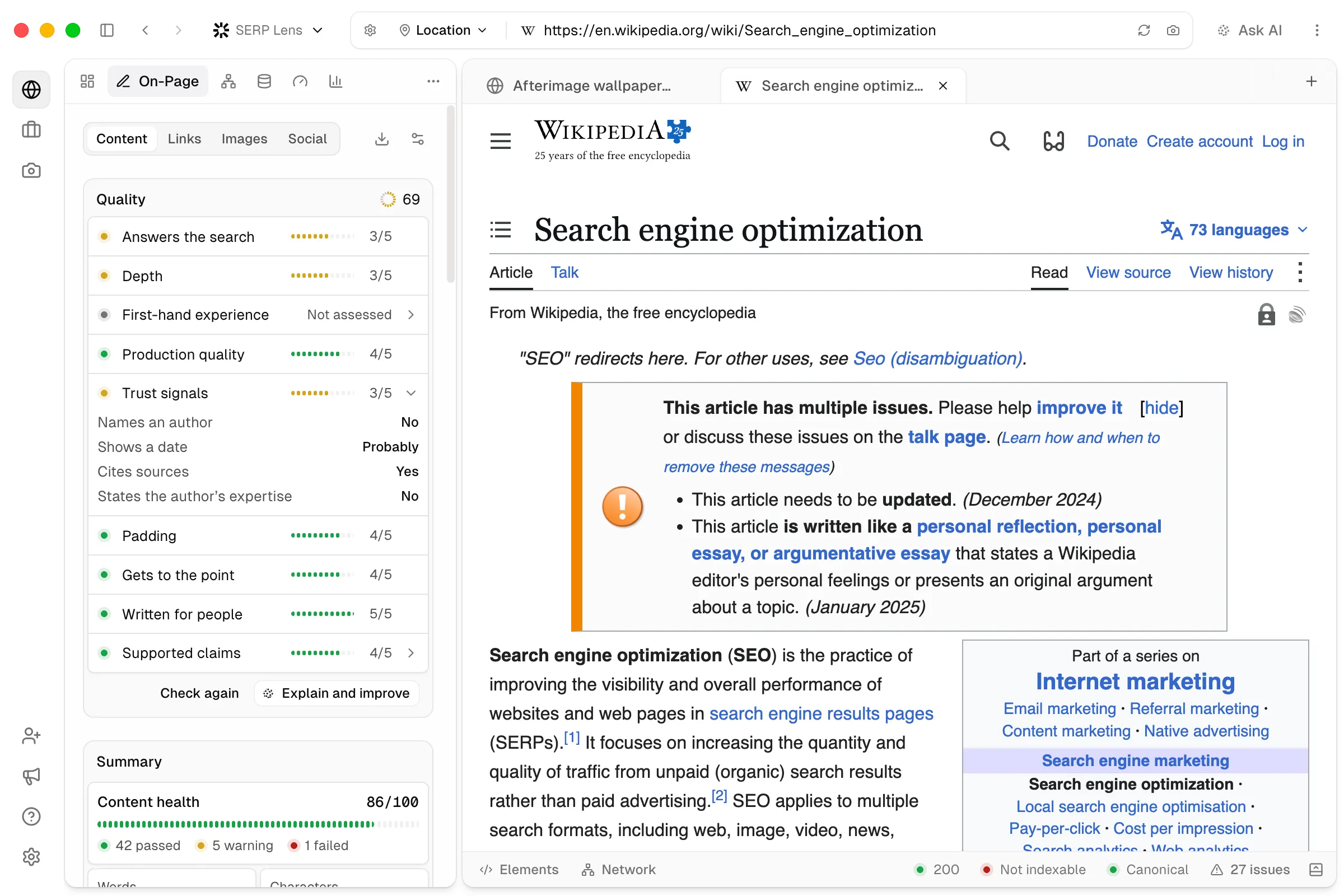
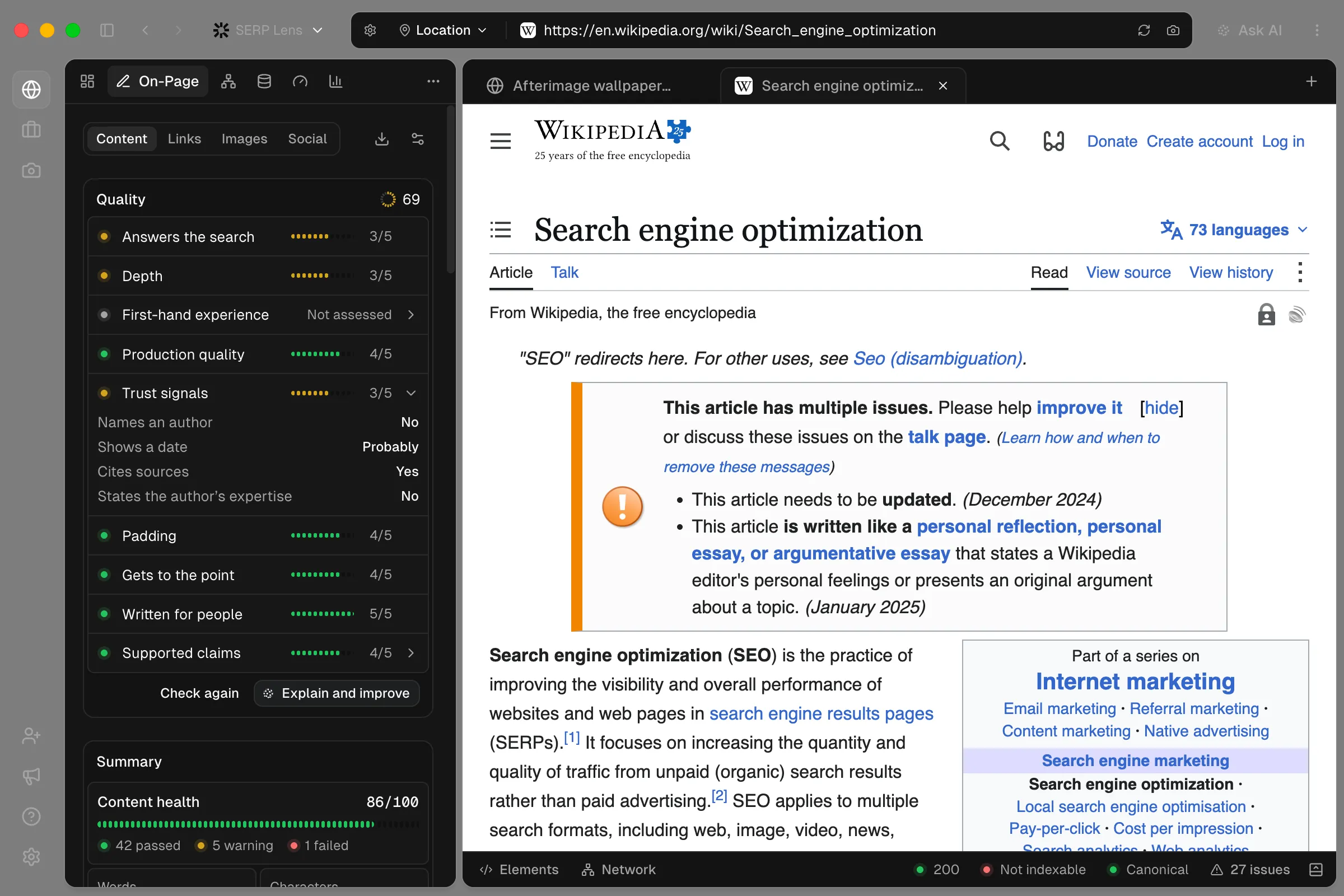
In Target queries, that same check gives you a yes or no on whether your page answers each query from Google Search Console. You can filter by Not answered to find, for example, a long-tail query you haven’t answered very well.
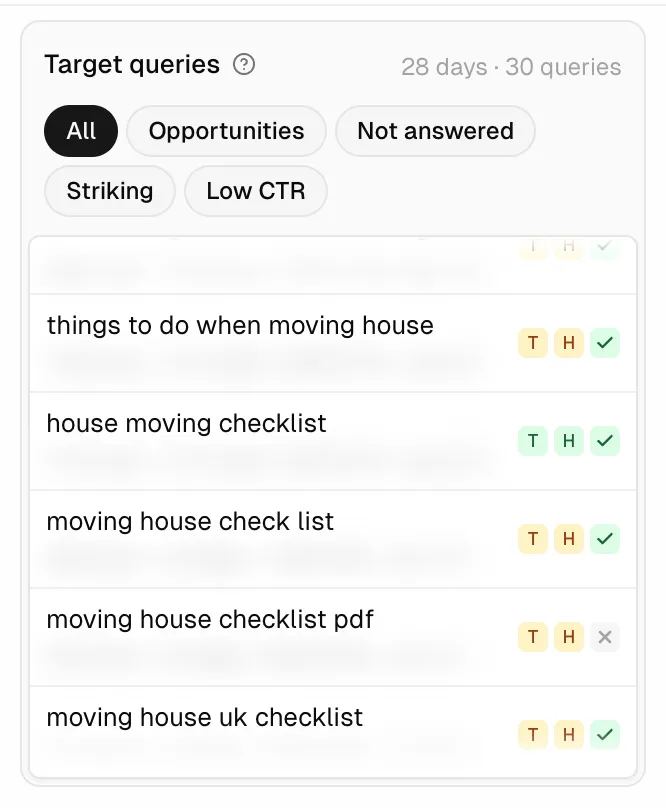
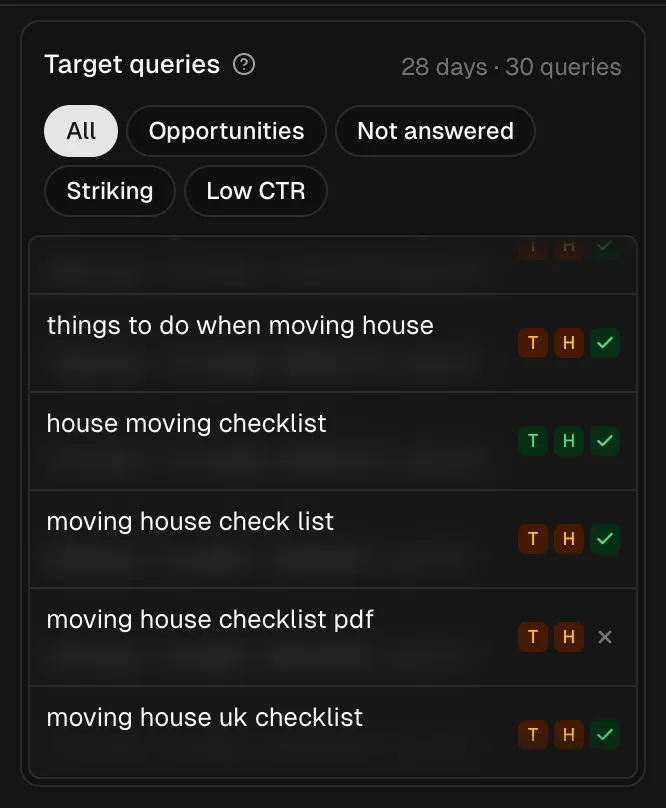
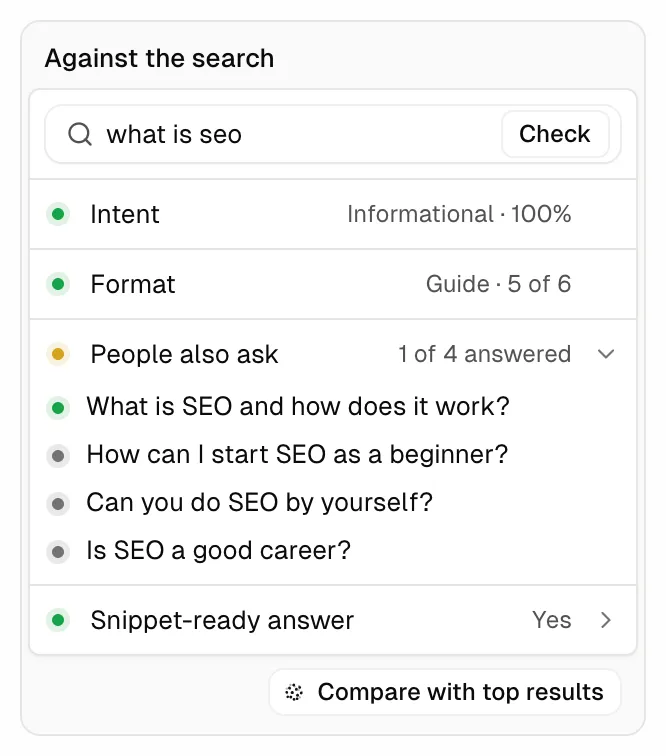
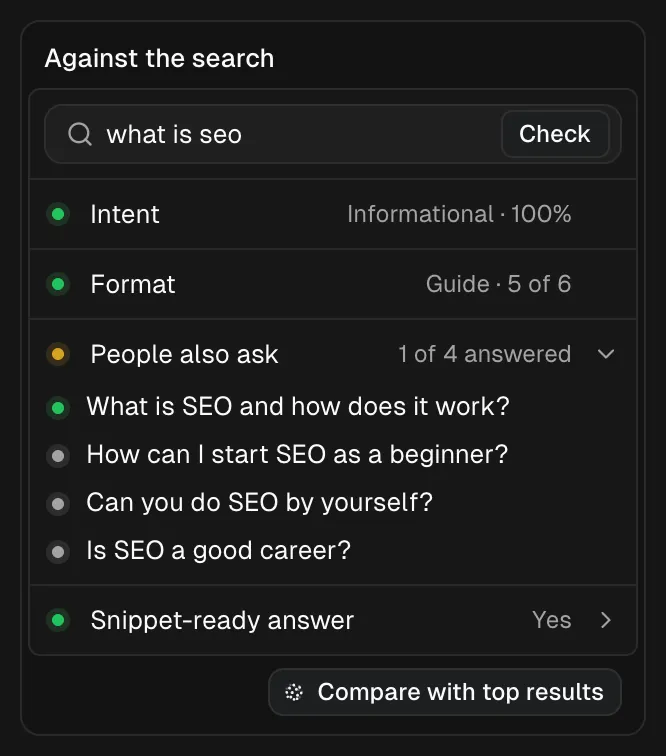
SERP Lens is a browser, so Against the search fires a background search for a query you enter, from the location you’ve set in the browser. It tells you the intent and the format most of the results take. It also checks whether you answer the People Also Ask questions and whether your page answers what the AI overview shows in easily parsable text.
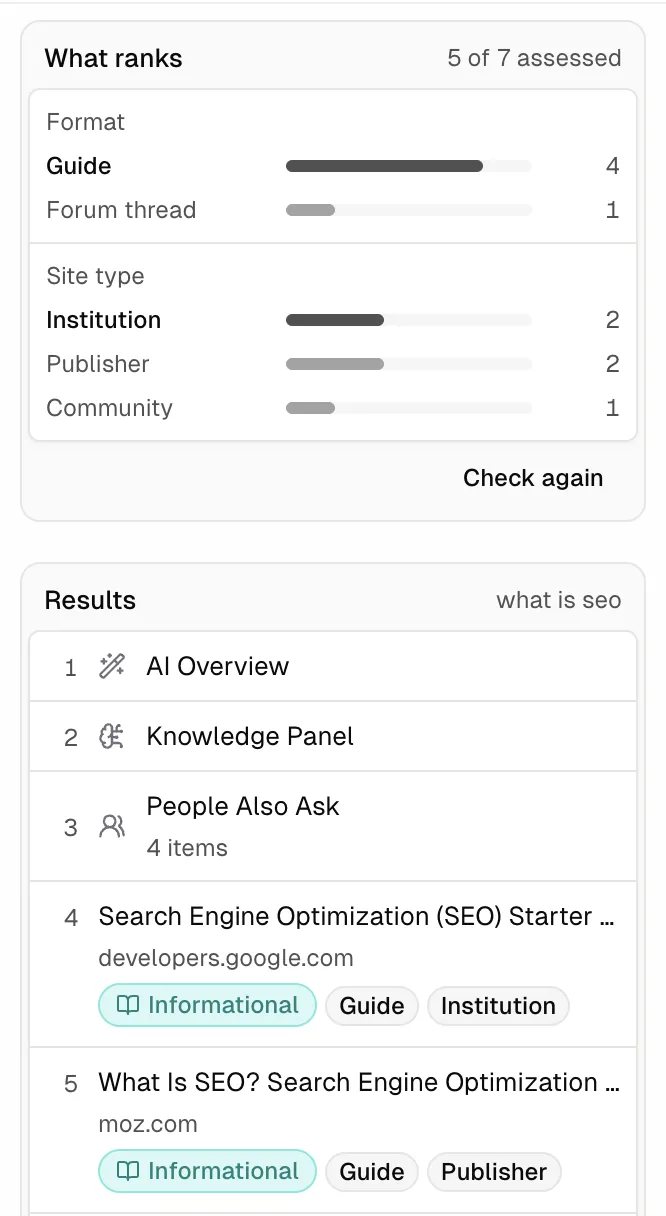
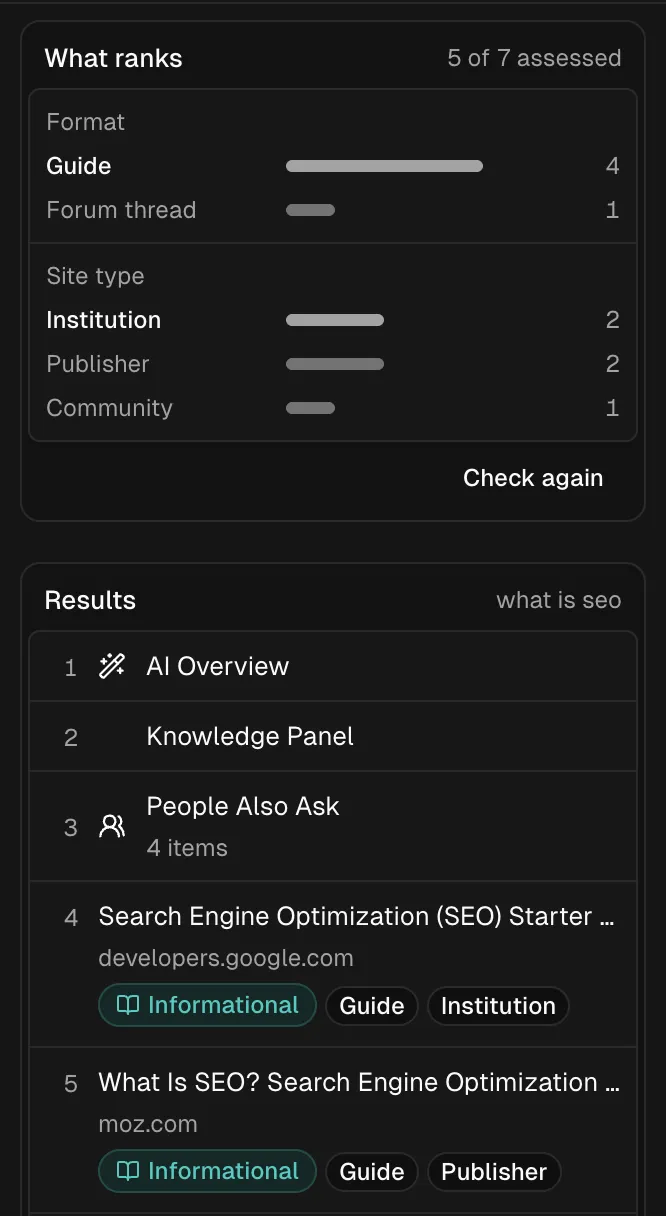
What ranks looks at which types of results show up most: guides, forums, listicles. It also looks at the types of sites: publishers, community sites, well-known institutions, brands. That’s useful context when you’re deciding whether to write something and what format the content should take.
The video couldn't load. Download it instead.
When Jev finds improvements to make, you can hand its evaluations to a frontier model in the AI harness we’ve built into SERP Lens. That’s the point at which you spend the tokens on a frontier model: you’ve checked the page cheaply and found work worth doing. What’s even better is that we’ve integrated Codex subscriptions, so you can use your existing ChatGPT subscription in the SERP Lens harness: cheap tokens and a harness built around SEO tasks.
- Step 1Start with Jev as a cheap check
- Step 2Check a search result with one click
- Step 3Hand its evaluations to a frontier model
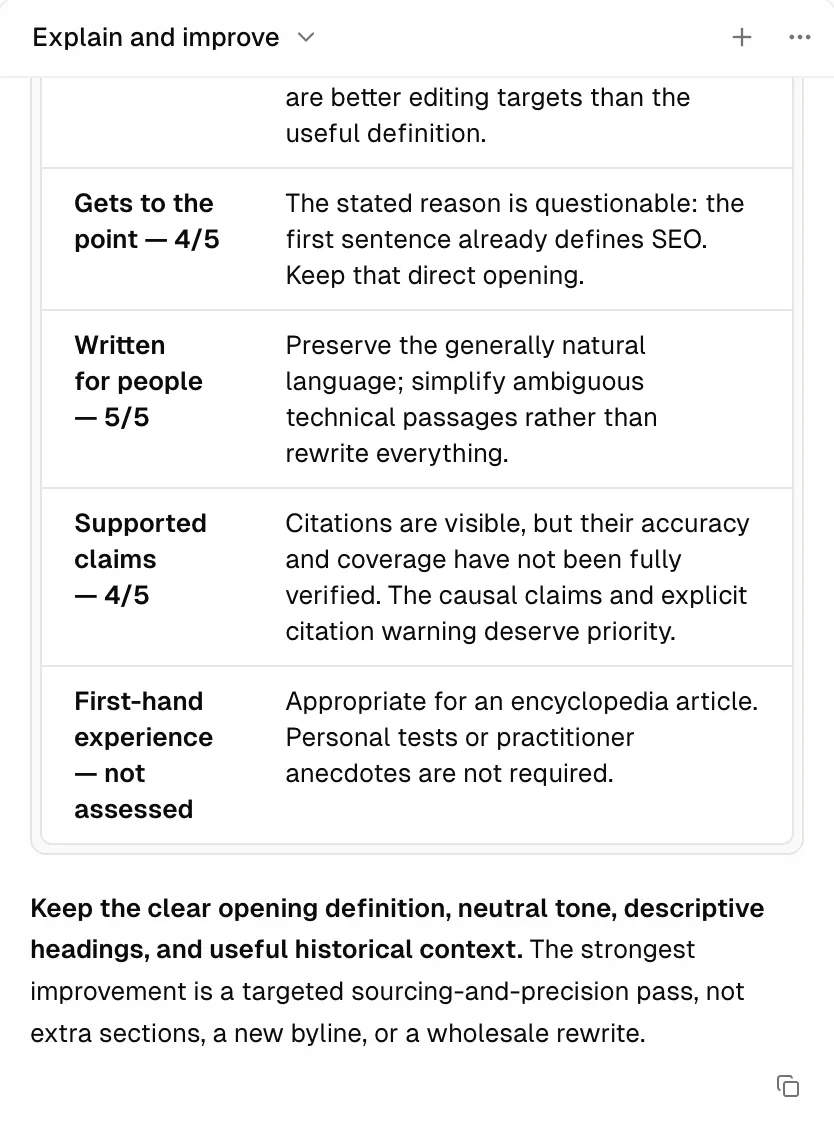
Then, with our MCP integration, another click can send a brief or the written updates to a Notion document, or to Linear as a task.
Three or four years ago, I wouldn’t have imagined doing this on the fly.
I use AI as a quick sense check to help guide my own workflow. I like to stay at the wheel as much as I can so I can use my expertise. As agents get better, perhaps they’ll do more of the driving, particularly for people who don’t have that knowledge themselves.
A lot of my clients wouldn’t have been able to look at a page and know what to check or whether it was good quality. Jev gives them a mini cheap consultant to ask: is this page good or not?
For a writer or someone in-house, it’s an amazing workflow for filling those knowledge gaps, with AI working as an editor.
I’d find that very interesting across an entire website too. A barometer of whether the website is becoming better quality, just like Google would do. Maybe more on that later.